
How to Install and Use MetaTrader 4 (MT4) on Mac in 2026
Are you using MT4 on MacOS?

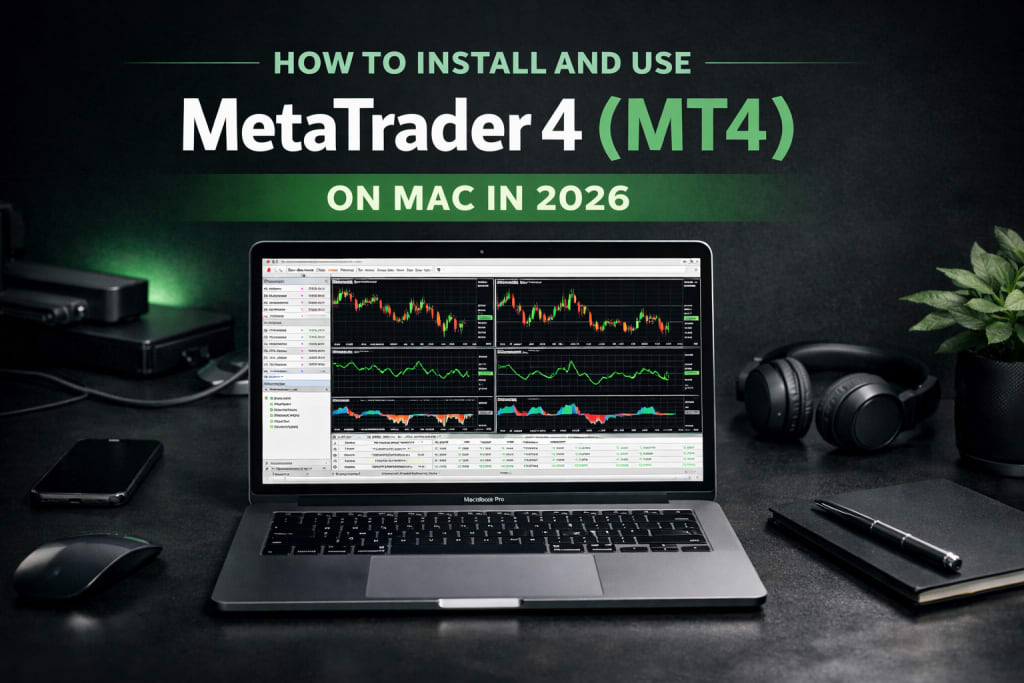
MetaTrader 4 (MT4) remains one of the most widely used trading platforms for Forex and CFD markets in 2026. Despite the release of newer platforms, MT4 continues to dominate retail trading because of its stability, flexibility, and strong ecosystem of indicators and automated strategies.
However, MT4 was originally developed for Windows. macOS users — whether running Big Sur, Ventura, or Sonoma — need a workaround to install and run it smoothly. The good news is that modern solutions make this process straightforward and reliable.
This article explains how to install MT4 on Mac, how it works technically, and how to start trading safely.
Why Traders Still Use MT4 in 2026
Before installation, it’s important to understand why MT4 remains relevant.
MT4 is valued for execution speed, customizable charts, and support for automated trading through Expert Advisors (EAs). The platform allows traders to analyze multiple asset classes, including Forex pairs, CFDs, and in some cases futures and commodities, depending on the broker.
Key features include:
- One-click trade execution
- Advanced charting with multiple timeframes
- Built-in technical indicators
- Custom indicators and scripts
- Automated trading via Expert Advisors
- Real-time price alerts and notifications
Its lightweight architecture is another advantage. Even when running through compatibility software on Mac, MT4 performs efficiently without consuming heavy system resources.
Understanding the Mac Compatibility Issue
MT4’s desktop version was built using Windows architecture. That means macOS cannot natively execute the .exe file format used by Windows applications.
There are three primary ways Mac users run MT4:
- Using the official Mac package built with CrossOver technology
- Using compatibility tools like Wine or PlayOnMac
- Running MT4 through a VPS (Virtual Private Server)
Each method has different technical implications and performance considerations.
Method 1: Install the Official MT4 Package for Mac
Many brokers now provide an official MT4 installer for Mac. This version typically uses CrossOver technology — a compatibility layer that allows Windows applications to run on macOS without installing Windows itself.
Modern versions support Apple Silicon chips (M1, M2, M3) as well as Intel-based Macs.
Installation Steps
- Download the MT4 .dmg or .pkg file from your broker’s website.
- Open the file and drag the application into the Applications folder.
- Launch MT4.
If macOS blocks the app with a security warning:
- Go to System Settings
- Select Privacy & Security
- Scroll to the bottom
- Click “Open Anyway”
This happens because MT4 is not downloaded from the Mac App Store. It does not mean the software is unsafe — but always download from your broker’s official website to avoid tampered versions.
This method is generally the most stable and recommended for most traders.
How to Use MT4 on Mac After Installation
Once installed, the workflow is identical to Windows.
Open MT4 and navigate to “Accounts.”
- To add a broker:
- Click “Open an Account”
- Search for your broker’s server
- Or manually add the server if needed
If you already have a trading account, choose “Existing Trade Account” and enter your login credentials.
After logging in, you can:
- Open charts
- Add indicators
- Place trades
- Install Expert Advisors
- Configure alerts
The platform interface remains consistent across systems, so Mac users do not lose functionality.
Security and Best Practices
When installing trading software, always:
- Download from official broker websites
- Avoid third-party “cracked” versions
- Keep macOS updated
- Use strong account passwords
- Enable two-factor authentication if supported
Trading platforms connect directly to financial accounts. Security hygiene is non-negotiable.
Final Thoughts
Although MetaTrader 4 was built for Windows, Mac users in 2026 have multiple reliable options to install and use it effectively. The official CrossOver-based package is the simplest solution. Wine or PlayOnMac provide flexibility for advanced users. A VPS offers professional-grade stability for algorithmic traders.
MT4 continues to survive because it does one thing extremely well: it executes trades efficiently while giving traders deep analytical control. Newer platforms may look modern, but reliability is a currency of its own in financial markets.
Technology evolves. Markets evolve. But execution precision, disciplined strategy, and risk management remain constant. And MT4 — even on a Mac — still delivers where it matters most.
About the Creator
Ethan Cole
Technical & Finance Writer| Forex Trader|
I am a seasoned trader with nearly a decade of experience navigating global currency markets, specializing in technical analysis.
Keep reading
More stories from Ethan Cole and writers in Geeks and other communities.
What Does S&P 500 Stand For?
The S&P 500 stands for the Standard & Poor’s 500 Index, a stock market index launched in 1957 by Standard & Poor's. The number “500” represents 500 of the largest publicly traded companies in the United States, selected based on market size, liquidity, and sector representation. These are large-cap companies, with substantial market capitalization and national or global influence.
By Ethan Cole7 days ago in Trader
A Knight of the Seven Kingdoms Series Review (Season 1)
As one of the biggest properties in fantasy, A Song of Ice and Fire remains immensely popular with audiences. After reaching far into the past with House of the Dragon, a second spin-off was on the cards. A Knight of the Seven Kingdoms serves up a bite-sized slice of action and drama, but it still claims a spot among the best small-screen titles.
By Robert Cain6 days ago in Geeks
Hamnet (2025) - A Beautiful, Raw, and Powerful Story
Will you be brave? Hamnet is a 2025 film based on Maggie O’Farrell’s book. Agnes and William Shakespeare grapple with an unimaginable loss. Overcome with grief, William takes inspiration to write a play that helps quell the thoughts and emotions they’re experiencing.
By Marielle Sabbag7 days ago in Geeks




Comments
There are no comments for this story
Be the first to respond and start the conversation.